

🔔 End-of-Year Alert: Plan Now for the COMcheck Help Desk Holiday Delays
By Jobe Leonard, Comcheck.net
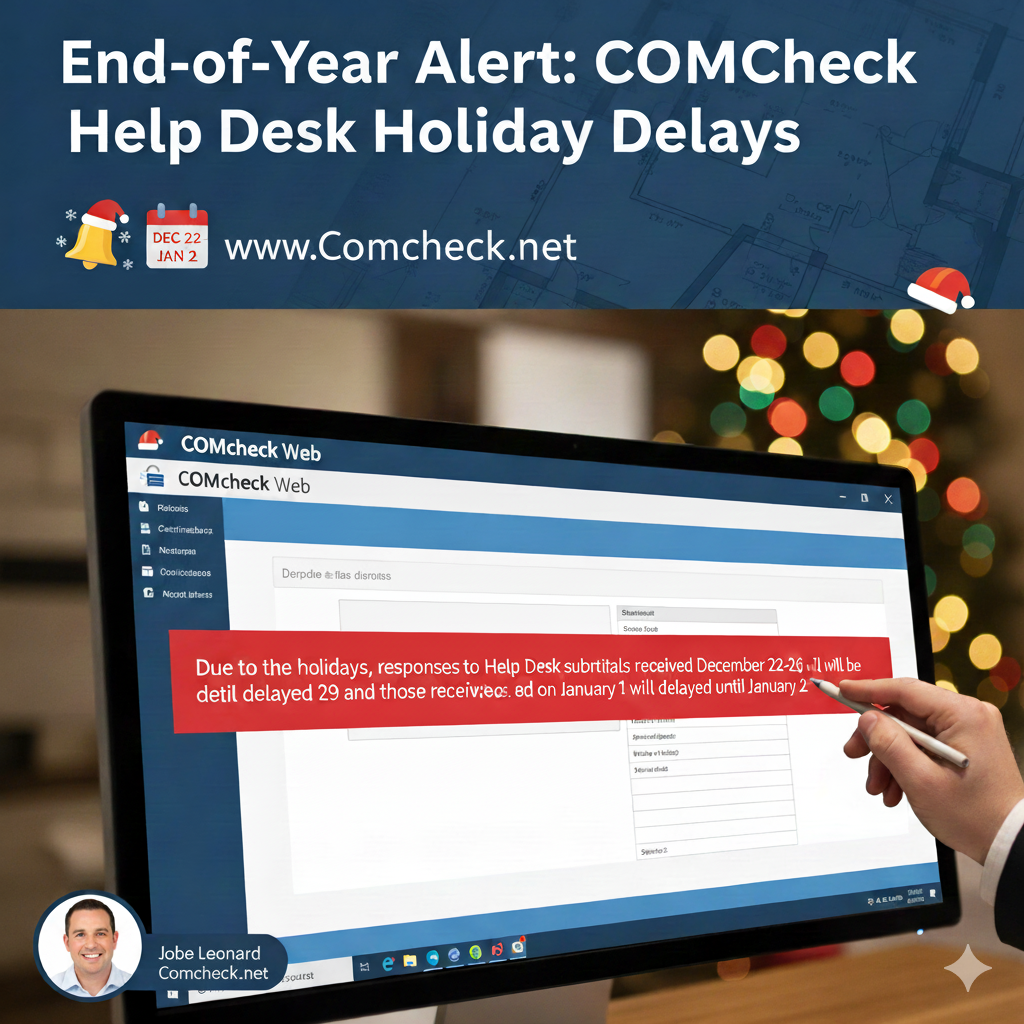
As we wrap up the year, I noticed a crucial alert displayed in red when logging into COMcheck Web this morning. This message outlines service interruptions for the upcoming Christmas and New Year’s holidays.
Disclaimer: Comcheck.net is run by independent users, like me, Jobe Leonard. We closely monitor and report all COMcheck software updates to help other users. We are not affiliated with or owners of the official COMcheck Web or Desktop software.
📅 Decoding the Holiday Support Message
The official notification regarding Help Desk submissions for the end of the year reads:
“Due to the holidays, responses to Help Desk submittals received December 22-26 will be delayed until December 29 and those received on January 1 will be delayed until January 2.”
Could Your Decorations Act as Additional Insulation?
This is a standard announcement that impacts every COMcheck user, indicating scheduled pauses in official support response times.
Key Dates for Your Workflow
The message specifies two distinct periods where support will be delayed:
| Submittal Window | Holiday Reason | Response Delayed Until |
| December 22 – December 26 | Christmas Holiday | December 29 |
| January 1 | New Year’s Day | January 2 |
What this means: Any ticket you send during these windows will be received, but the team will not begin actively processing it until the stated response date. If your project is urgent, you must factor this reduced service into your schedule.
💡 Why the Delays Are Scheduled
These delays correspond directly to major U.S. national and federal holidays, during which government offices and affiliated support services (like the COMcheck Help Desk) operate on a reduced or closed schedule:
-
Christmas Week (Dec 22-26): Includes the Christmas federal holiday and the surrounding days, which are often taken as extended time off by support staff.
-
New Year’s Day (Jan 1): A federal holiday.
The purpose of this notification is to manage user expectations, ensuring you are aware that service level agreements (SLAs) for response times are temporarily paused for these specific holiday dates.
🏗️ Managing Your COMcheck Deadlines
The COMcheck software is essential for commercial energy code compliance, and support delays can halt a project. Here are the steps to mitigate risk during the holiday season:
-
Submit Critical Tickets Early: If you have an urgent question or a compliance issue, ensure your Help Desk ticket is submitted well before December 22nd.
-
Consult Official Documentation: Before submitting a ticket, check the comprehensive user manuals and FAQs provided by the U.S. Department of Energy (DOE). Many common questions regarding insulation, lighting, and code compliance can be resolved instantly by reviewing these resources.
-
Utilize Free, Always-Open Resources: The Comcheck.net blog remains the number one free online resource for the COMcheck community. It is always open and available for troubleshooting and guidance, even when the official Help Desk is closed.
By planning ahead, you can better manage expectations and ensure your COMcheck compliance reports are ready for your local building department without unnecessary delays.
Need Immediate Help Before, During or After the Holiday Freeze?
If you need a COMcheck completed or are trying to resolve a potential issue before, during, or after the official Help Desk delays begin, Comcheck.net and the Comcheck blog are here to assist.
📧 To get your COMcheck taken care of immediately, email your pdf plans, jobsite address, and square footage to comcheck@comcheck.net